Brought to you by Novalys
Manage Application Security with Visual Guard WebConsole
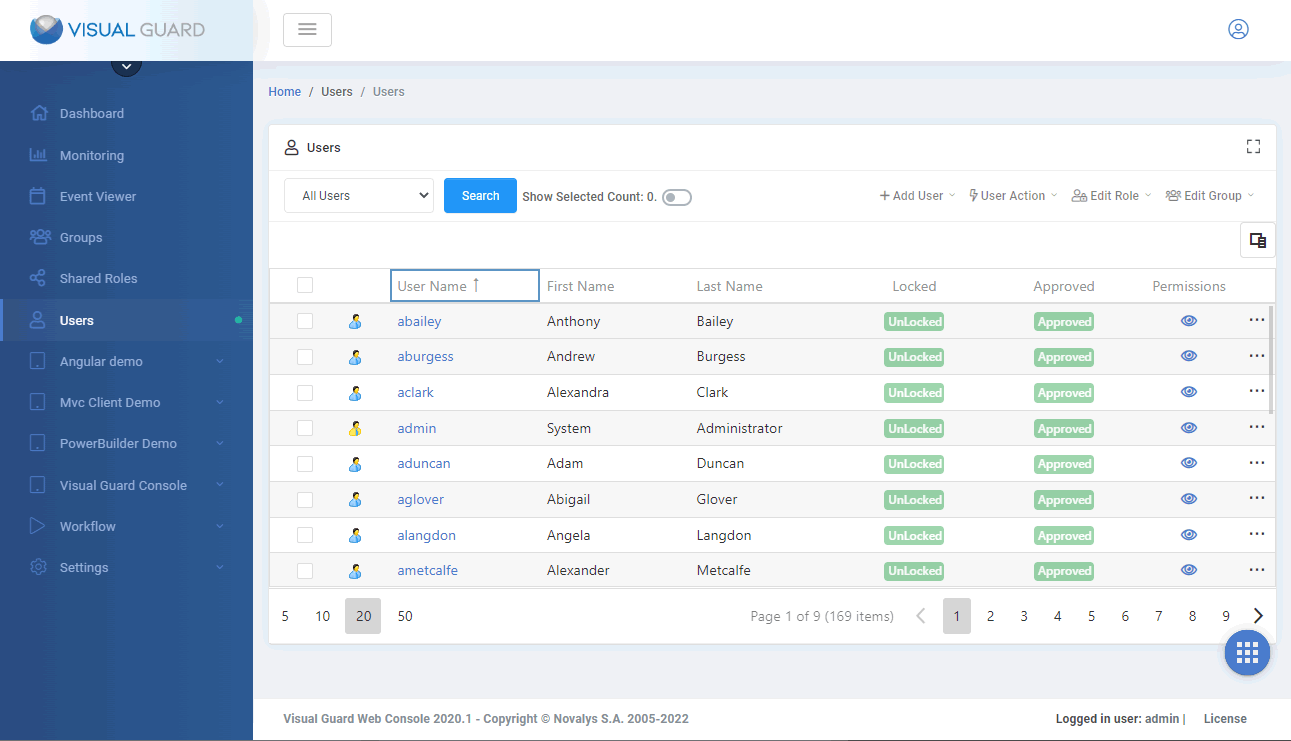
Manage Users
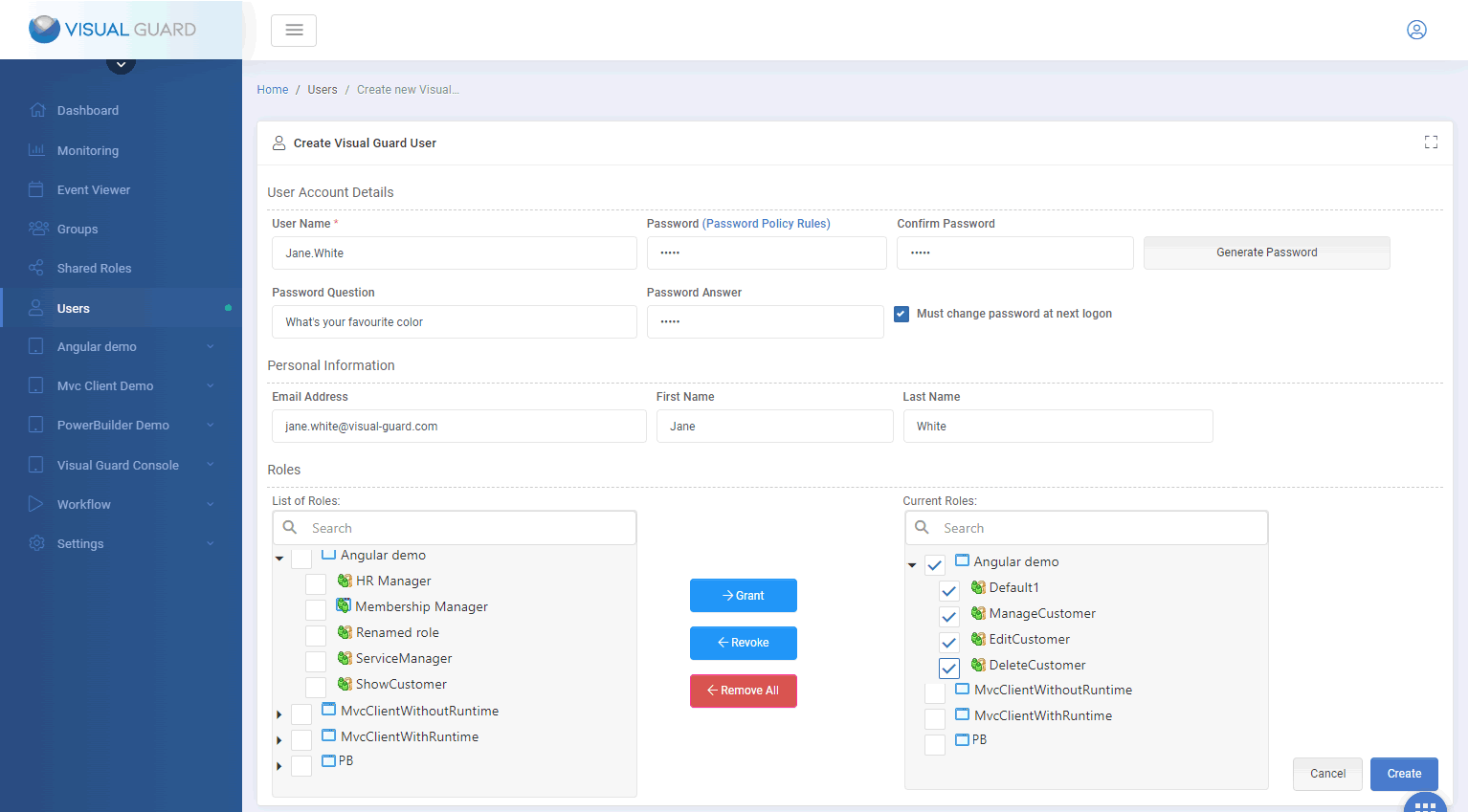
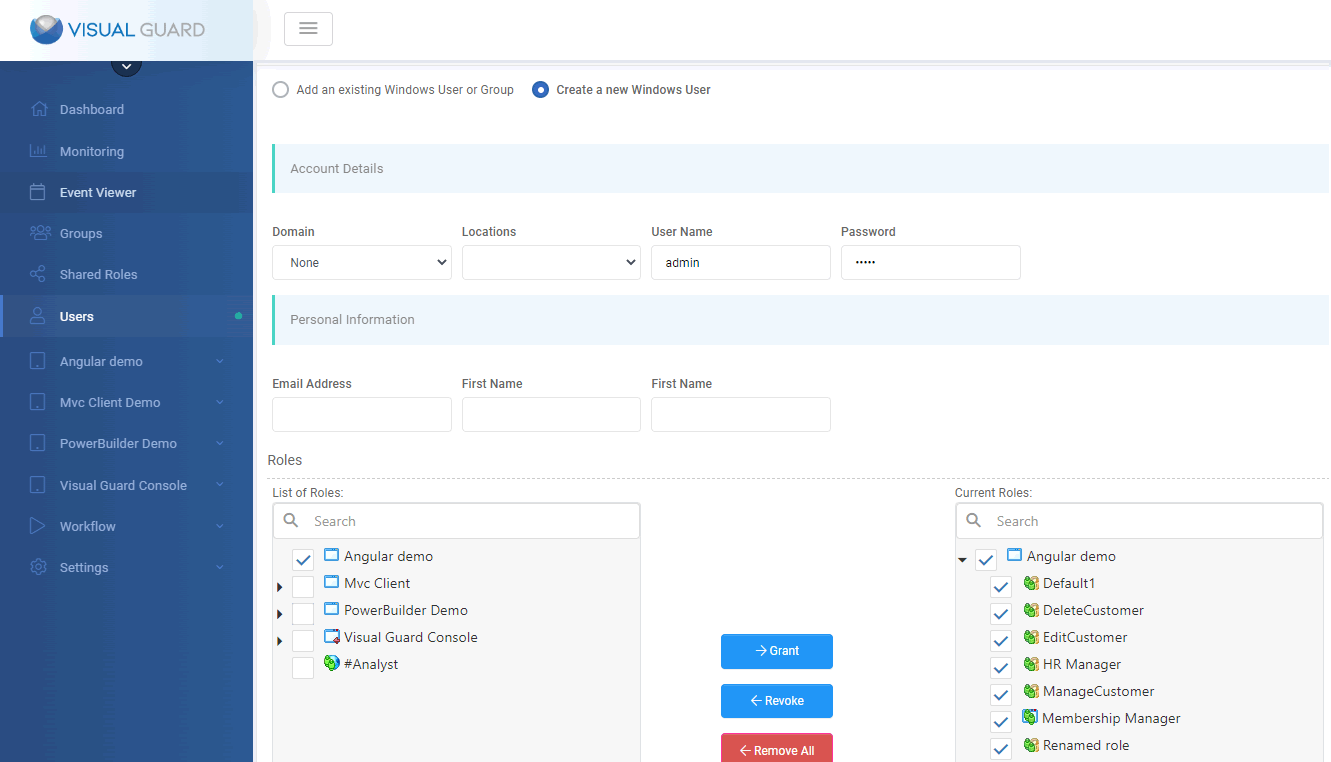
Creating a User
Create a new Windows account
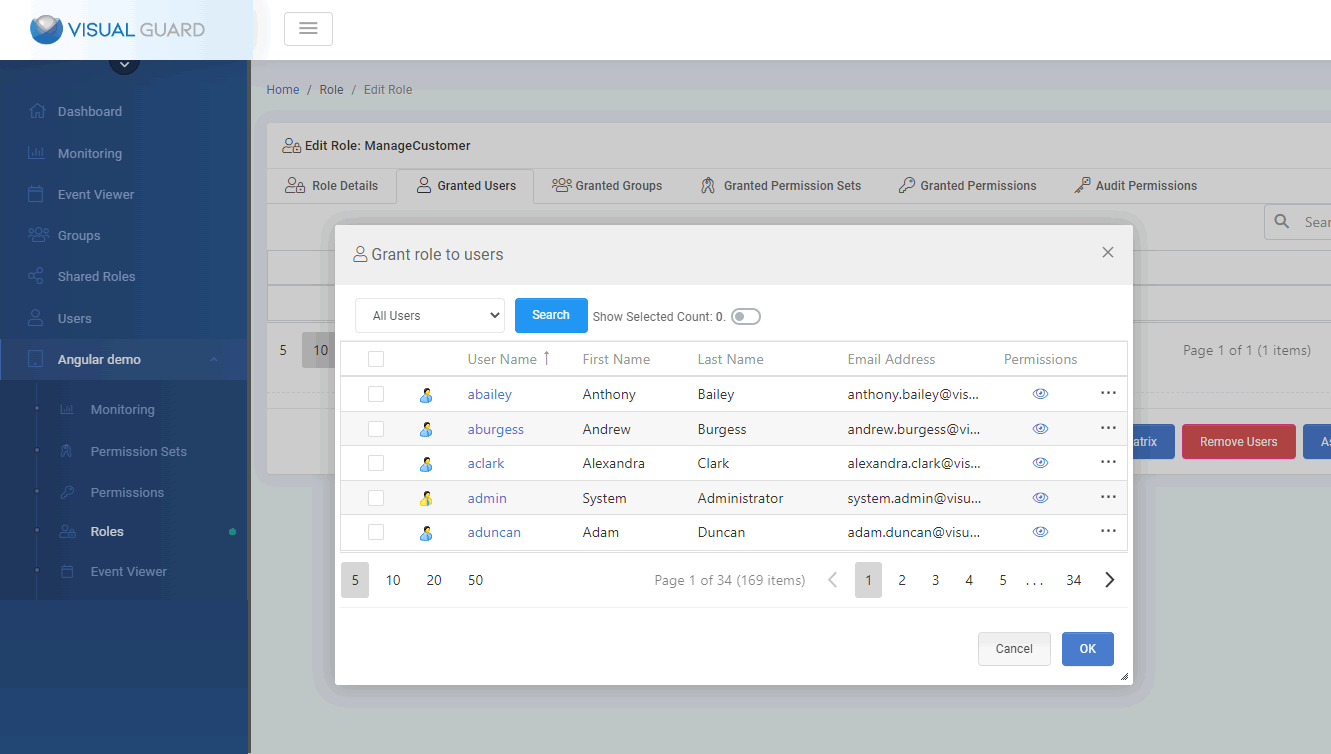
Grant Roles to Users
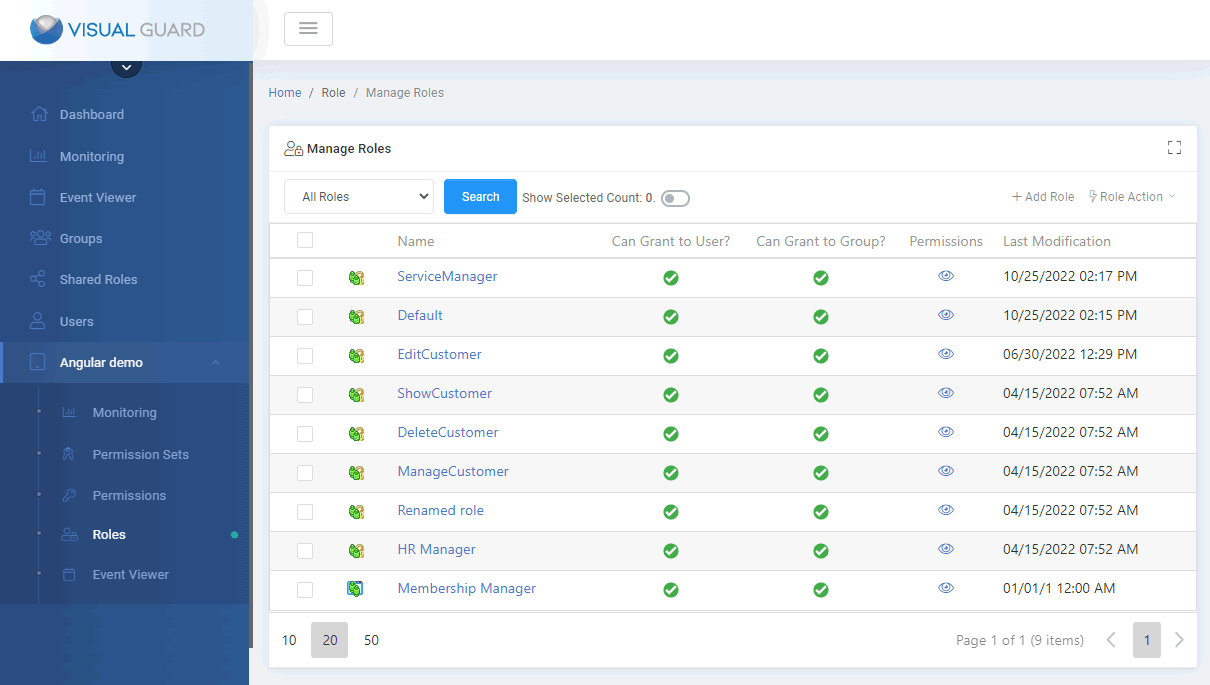
Managing roles
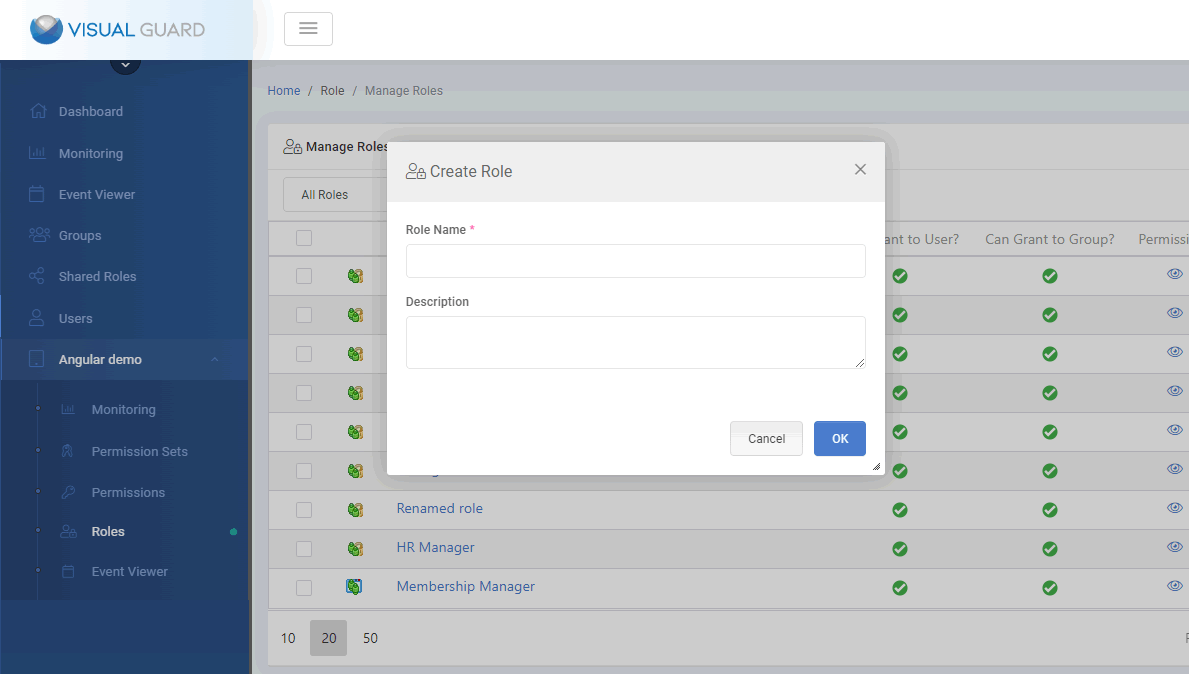
Creating roles
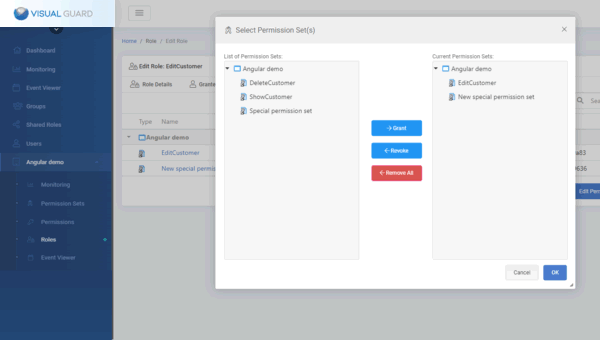
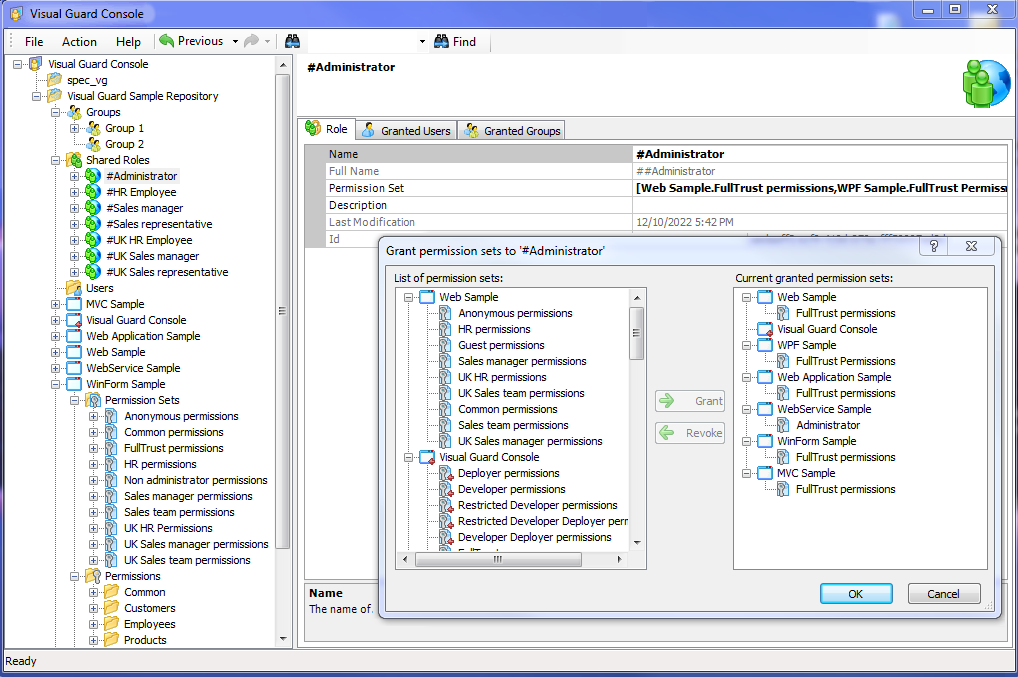
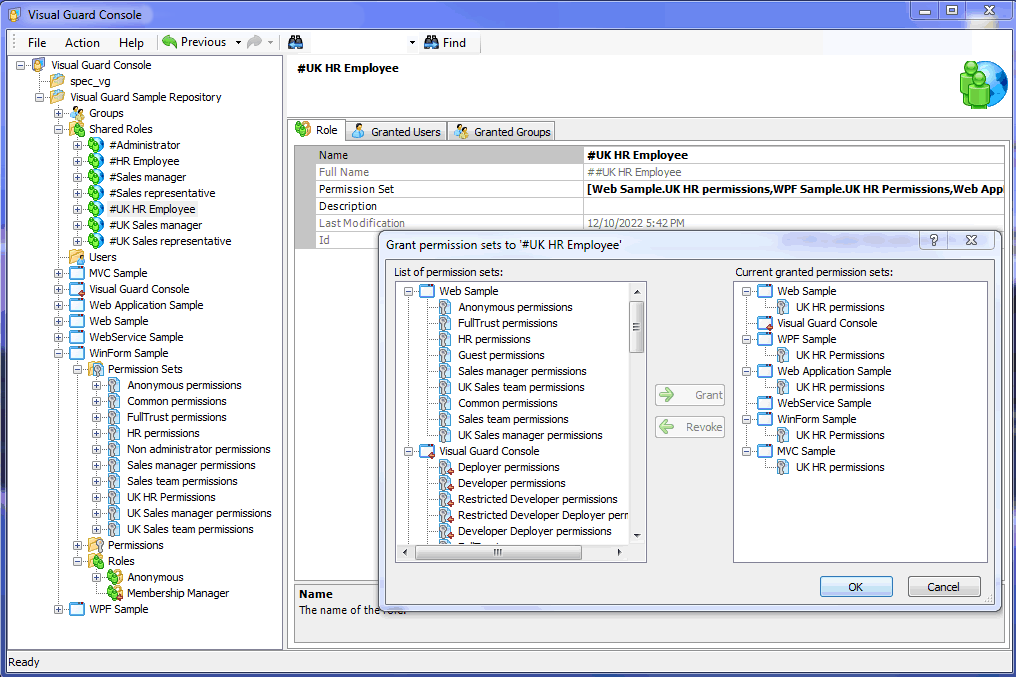
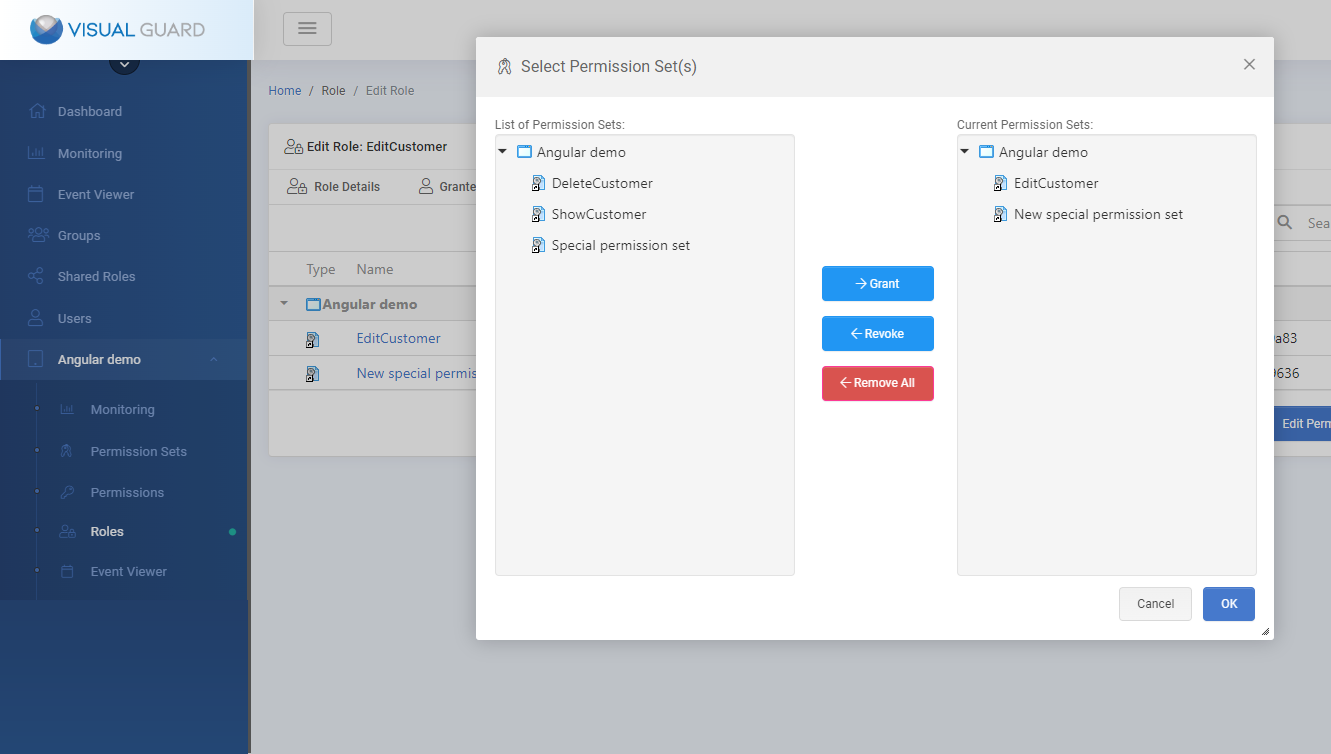
Assigning Permission sets to roles in Visual Guard Webconsole
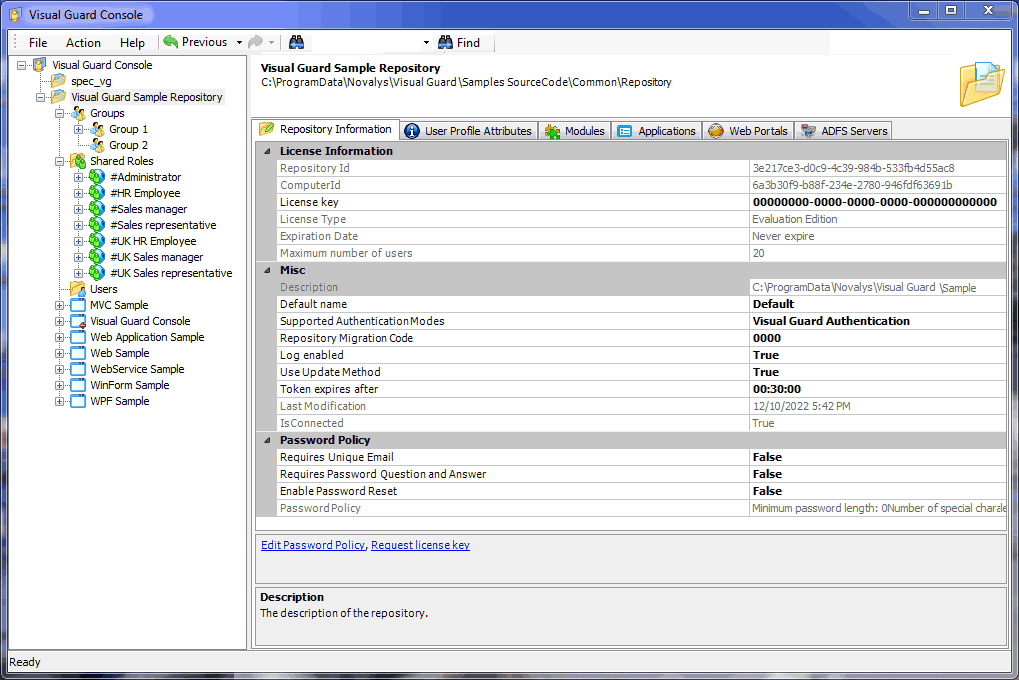
Visual Guard WinConsole
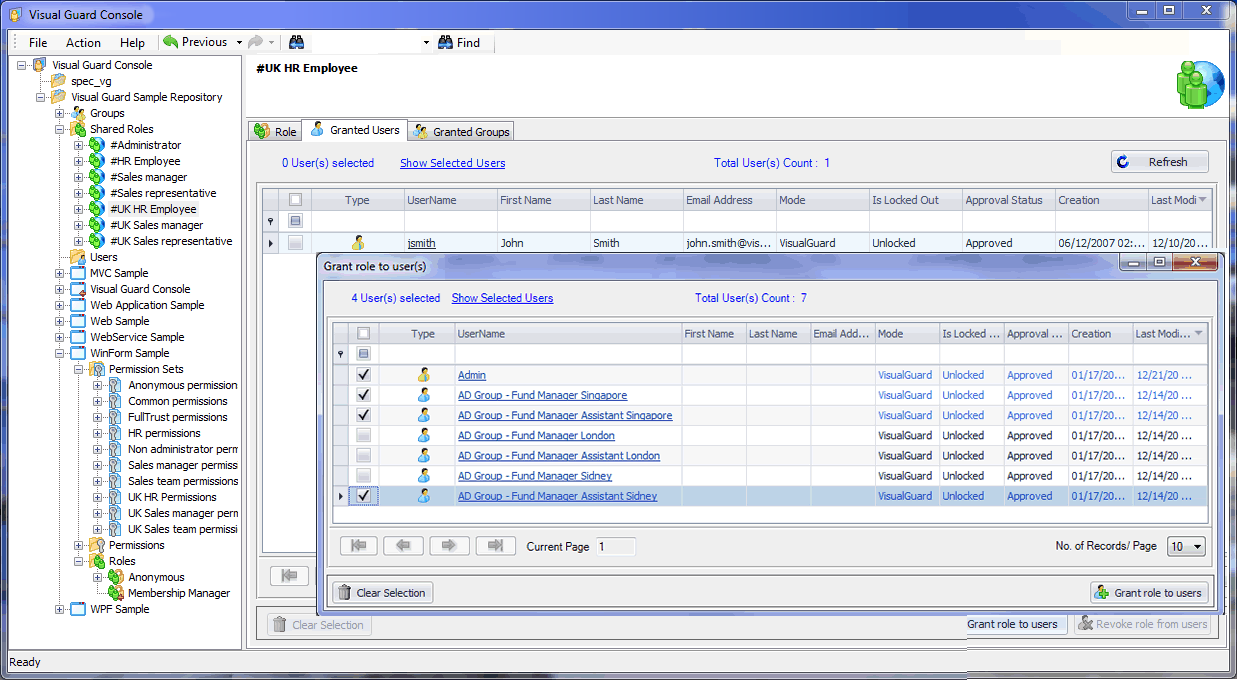
Grant Role to Users
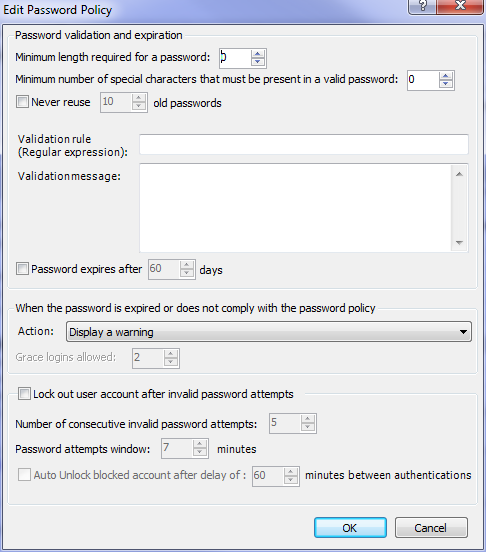
Edit Password Policy
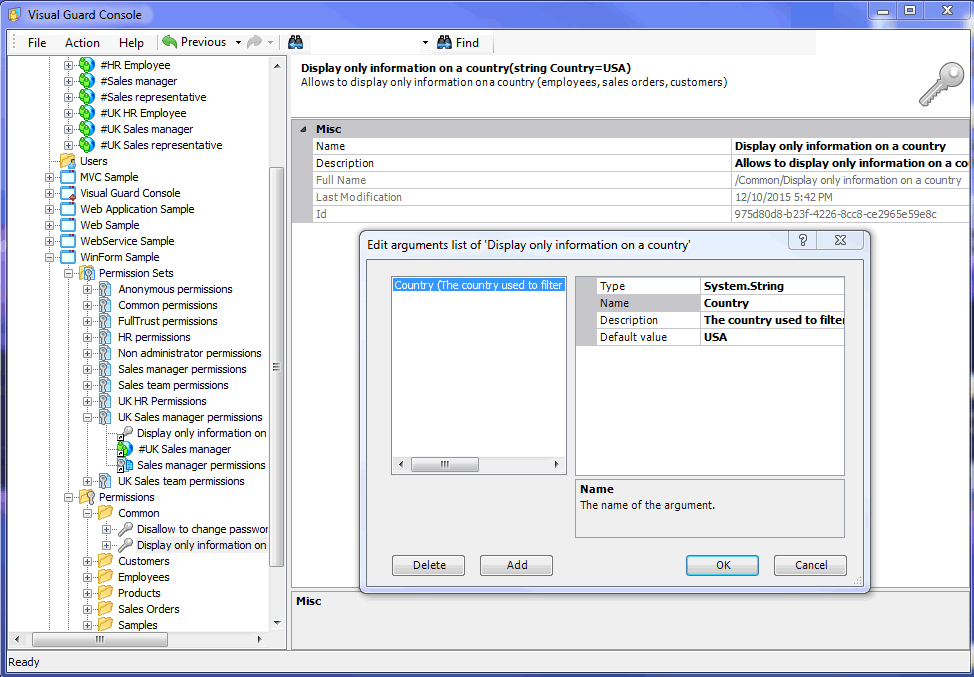
Manage Permissions
Permission Sets
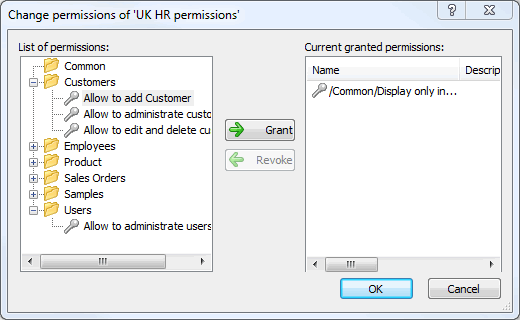
Grouping Permissions into Permission Sets
Shared Roles
Application Roles
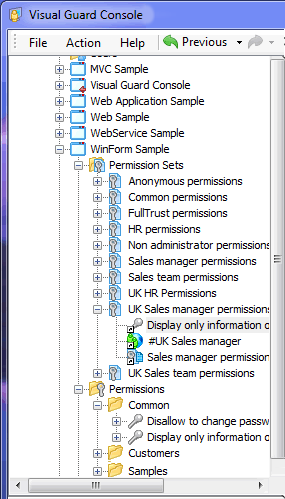
Grouping Permissions Sets into Roles
Granting Users to Roles
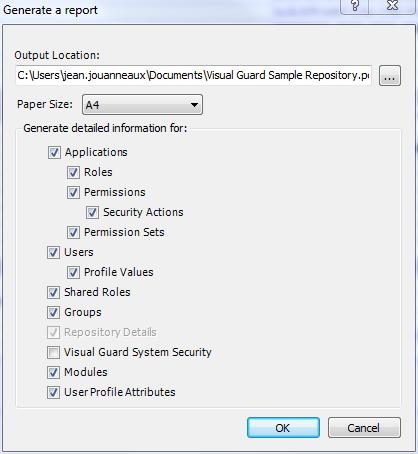
Generating an Application Security Report
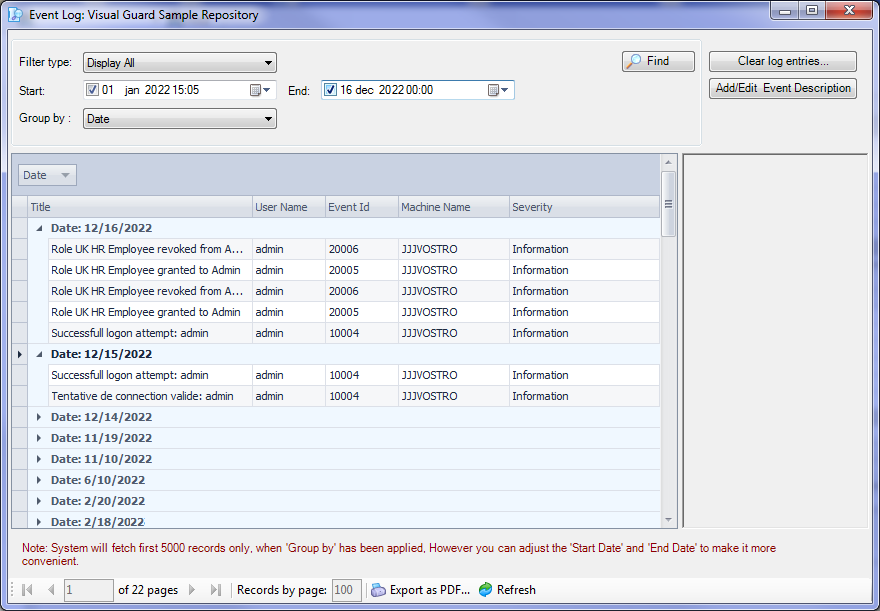
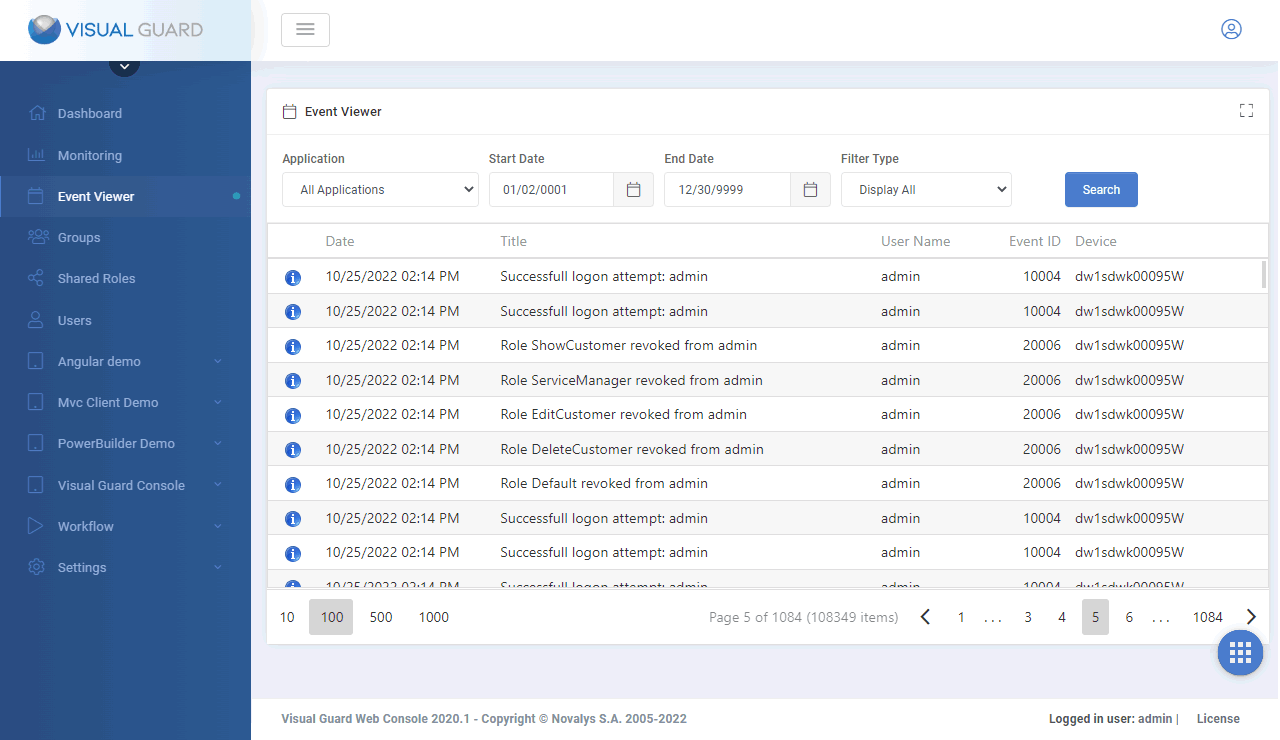
View who did what in the application
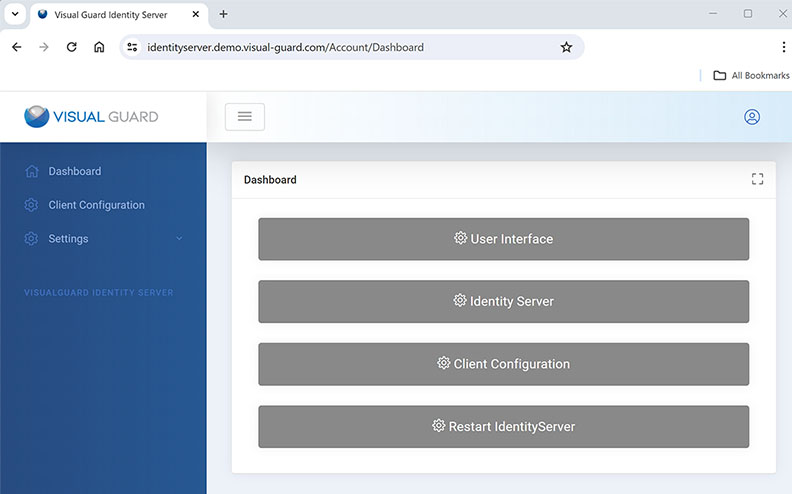
Identity Server Dashboard
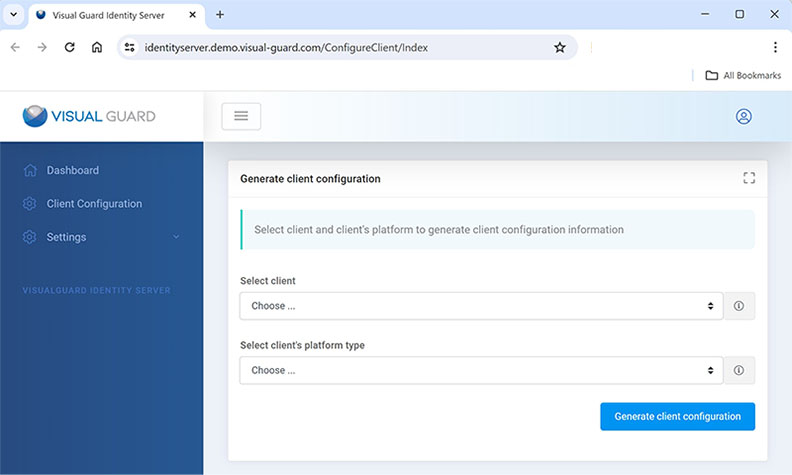
Configuring a Client